Cosmology: Black Hole, Wormhole and Multierse (Physics/Gravitation)
According to Eistein's general relativity, a gravitational
filed is just a curved 4D space-time caused by the existing matter. A black hole is a very dense
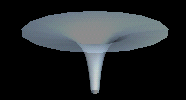
object with such a deep twisted space that is looks like a funnel in a 3D space-time.
Two black holes may form a Wormhole. I always wonder what if the two black holes belong to different
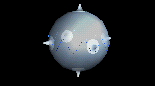
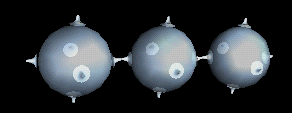
Universes (a naive thought of Multiverse)? Here are two static models for you to play with
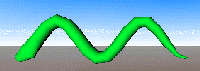
In our animated model of the Oscillatory Universe, there is a standing wave, whose wave length is increasing
(red-shift) when the Universe is expanding, decreasing (blue-shift) if the Universe is collapsing.
Because we do see the red-shift, our Universe currently is expanding. Note thst the size of black holes (and galaxies)
does not change with the universe. Because this model assumes our unverse is closed and periodically expands and shrinks, it is different from the Cyclic Model.
The Oscillatory Universe seems to be invalidated, because recent data show that our universe will keep expanding to a deadly cold end (Big Freeze), although scientists
are still looking for the source of dark matter and dark energy...
|



 A Wiggling Snake